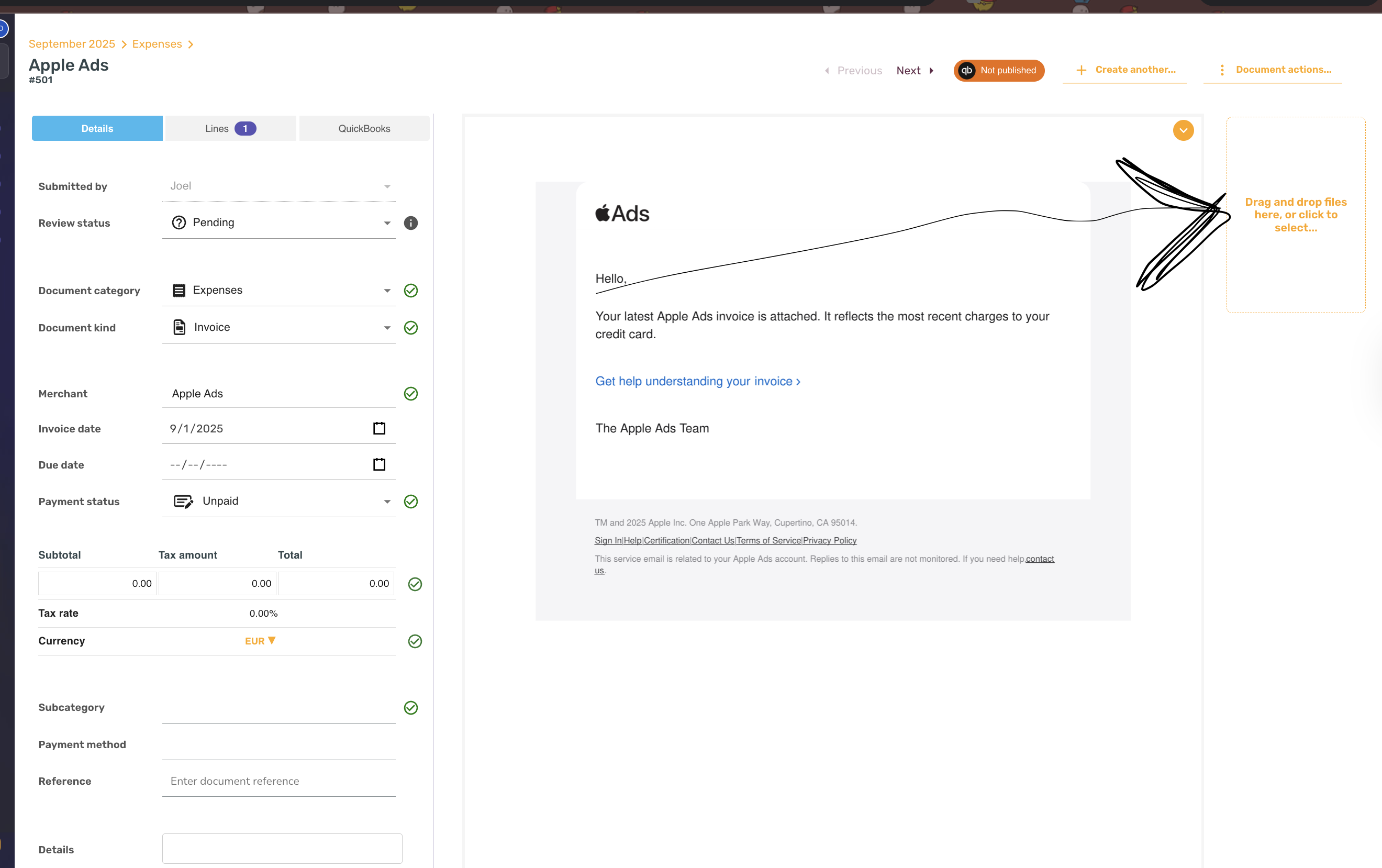
Once you have taken the first image for the receipt or invoice, or any document type, then go to the document, and from there you can upload additional images into that document. That can be used for multi-page invoices, receipts, or long receipts.
This works on both mobile and desktop applications.
When the files are read together
Files you add in the app before a document's first scan are read together, as pages of one document. Emailed and mass-uploaded documents are read one file at a time.
For a document scanned in the app, a file you add within about 15 minutes of that first scan is read too, and the document's values are updated from all of its pages. That happens as long as nobody has edited, rescanned or published the document, marked it Reviewed or Rejected, or changed its Tax calculation (Tax mode in the mobile app), and its date is not in a closed period. A file added later than that, or to a document someone has already worked on, leaves the values as they are. The document is then marked Needs attention, even if it was Reviewed, and a comment from System in its Comments tab says a page was not read. Check the line items and totals against the original and add anything missing by hand. A rescan reads one file at a time, as described in How do I rescan a document?.
A second file in another currency
In a first scan, a later file is left out of the document's values when every amount on it, apart from tax, net amount and exchange-rate lines, carries one currency code and that code differs from the only currency code printed beside the first file's amounts, on its largest amount. A receipt with the bank's card advice for the same purchase behind it is one example. The file stays attached to the document.
Files in the same currency are still read together. So is a file that also prints decimal amounts with a symbol or no code, or several currency codes, and every file is read when the first prints no currency code. SparkReceipt can't tell this for every currency, so check the amounts if you attach a file like this.