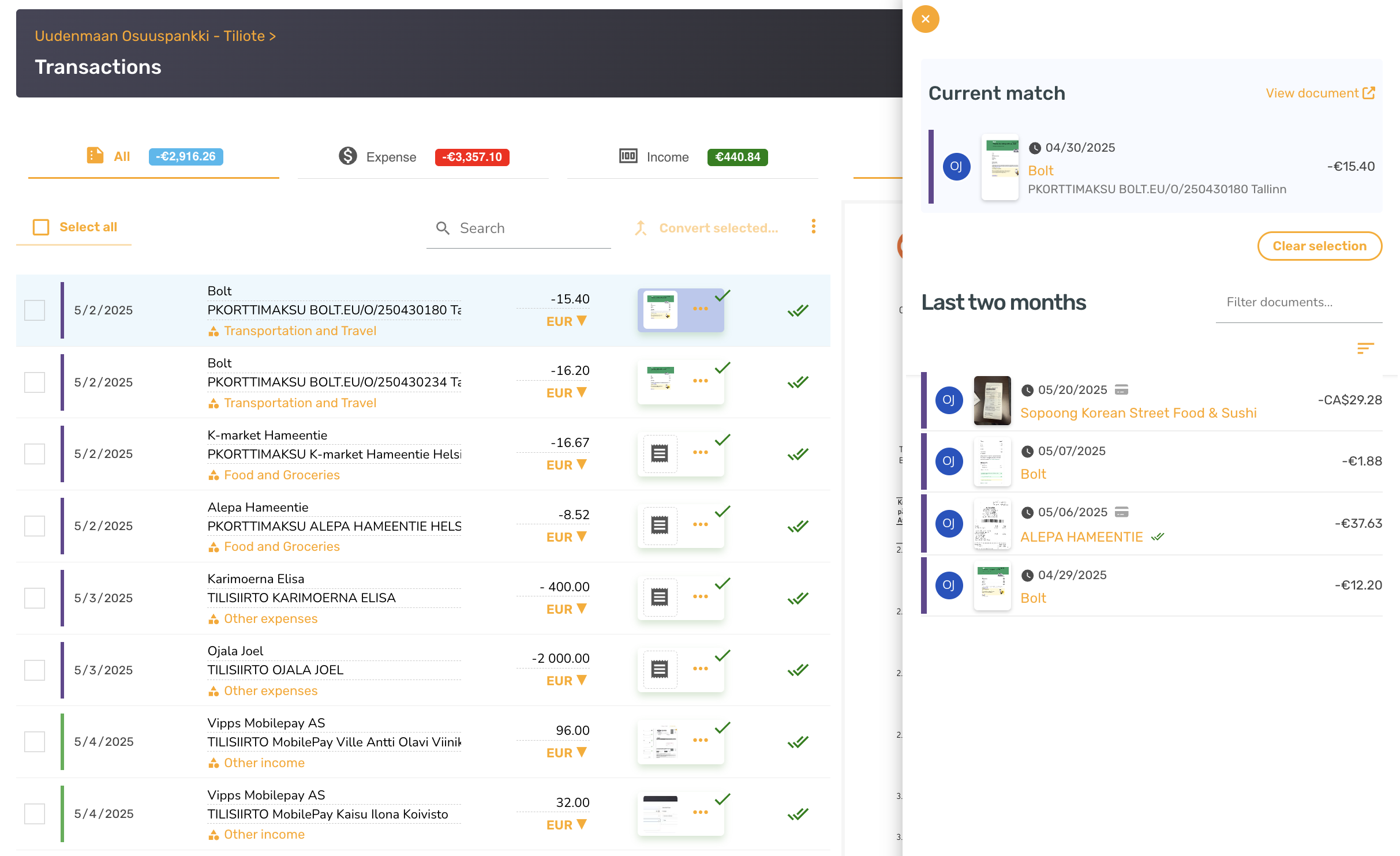
When you try to match a receipt to a bank or credit card statement transaction manually, you may notice the receipt you expect isn't in the list of candidates. The most common reason is that the receipt has already been matched to a different transaction — usually because the AI matched it during the initial automatic pass.
A receipt can only be linked to one transaction at a time, so once it's matched it's hidden from the candidate list for every other transaction.
How to fix it
- Find the transaction the receipt is currently matched to (search by amount, date, or vendor in the bank statement view).
- Open that transaction and choose Unmatch to release the receipt.
- Return to the correct transaction and match the now-free receipt to it.
If you're not sure where the receipt was matched, the bank-statement matching guide walks through the full flow and explains how SparkReceipt's automatic matching uses date, amount, and merchant to suggest pairings.