You may need to move your subscription to another account for several reasons:
-
You entered your email address incorrectly when creating your original account and subscribing to the paid plan.
-
You want to change the email address associated with your SparkReceipt account and move the subscription to a new account.
-
You’ve lost access to the original email/account.
How to move your subscription:
-
Create a new SparkReceipt account using the correct email address (the one you want to keep using).
-
Open the SparkReceipt app on your mobile device.
-
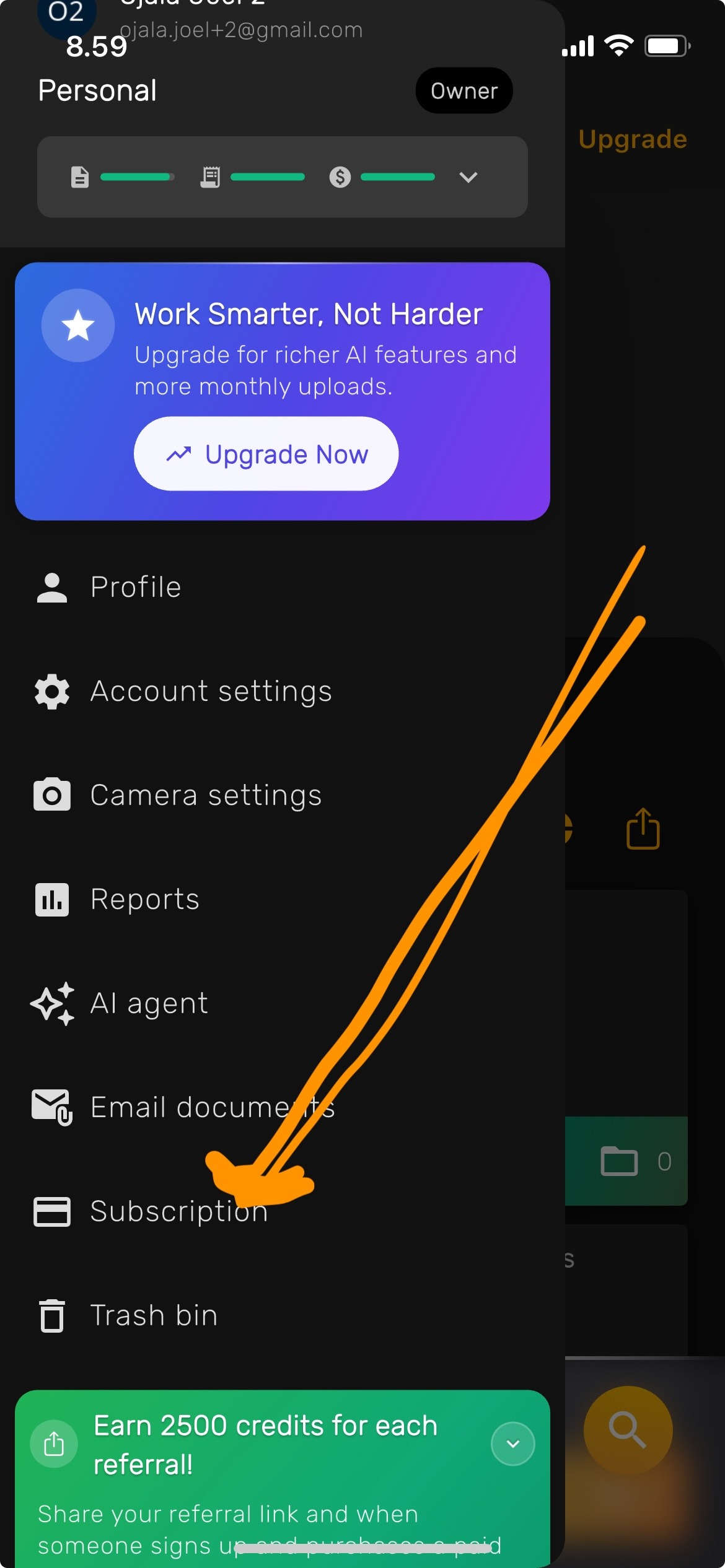
Go to Subscription in the left-hand menu.
-
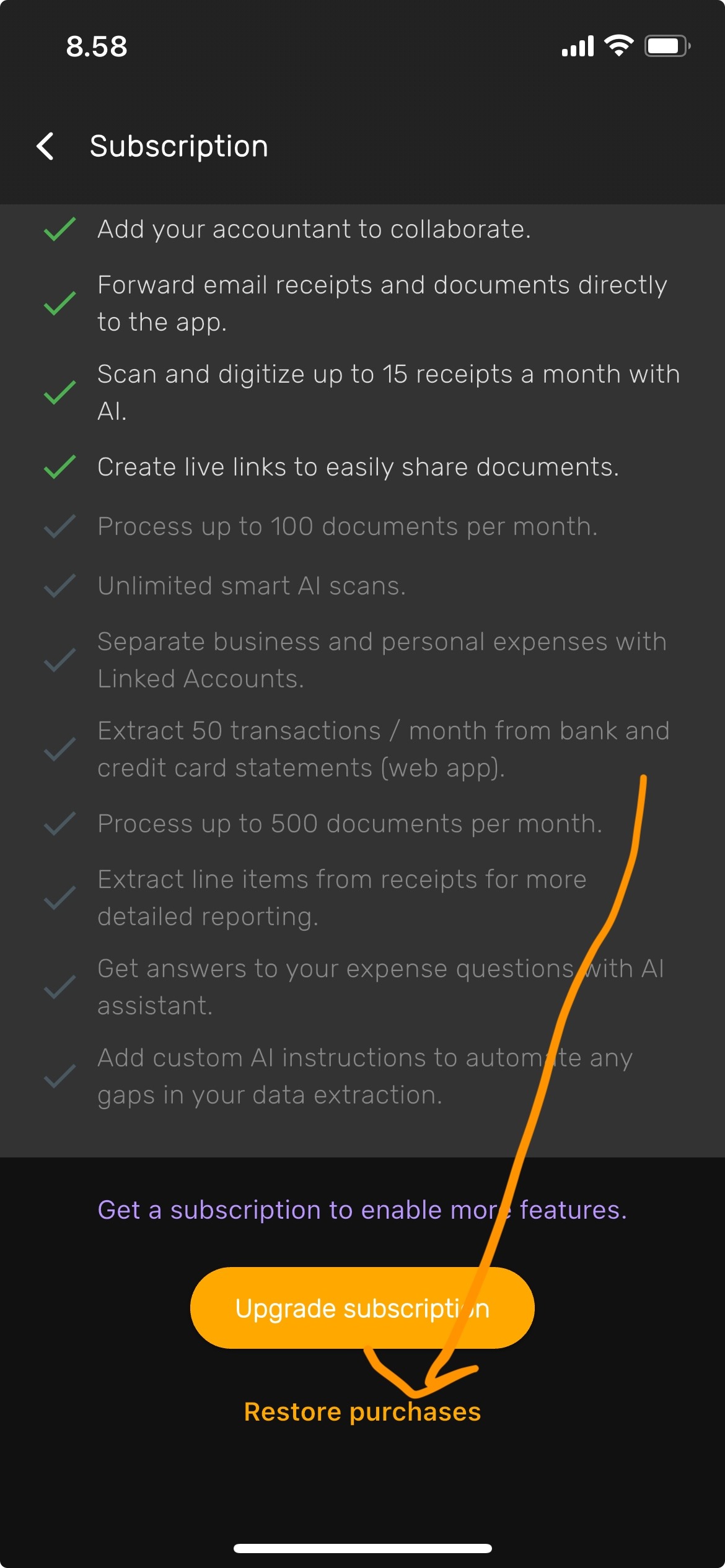
Scroll down and tap “Restore purchases.”
This will transfer your active subscription to the new account.