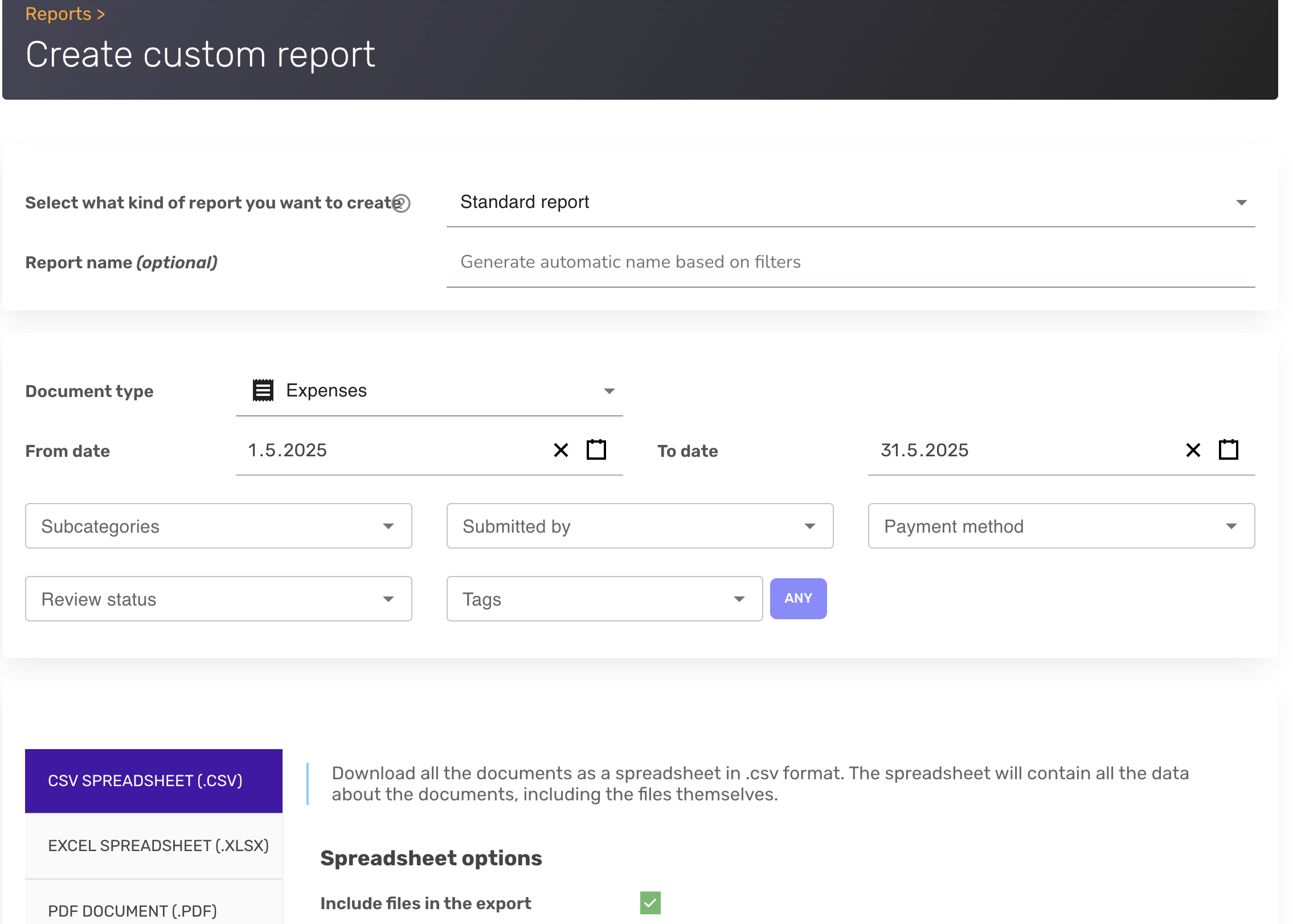
Yes, you can download all your documents in XLSX, CSV, or PDF whenever you need them. When generating an export, you can narrow the set by filters such as date range, payment method, user, and tags.
Annual and other custom date-range reports can be generated in the SparkReceipt web app at https://app.sparkreceipt.com/login as well as in the mobile app. An "annual report" is simply a report with a full-year date range — there is no separate preset — so you pick the dates you need (for example January 1 to December 31) and choose the format.
For a full walkthrough of the reports feature, see How to create reports in SparkReceipt.