
Use Linked Accounts. A linked account is a separate account under your main account: it has its own documents, users, roles and settings, and nothing in one account shows up in another. You can create one for each business, or one for personal expenses, and switch between them without logging out.
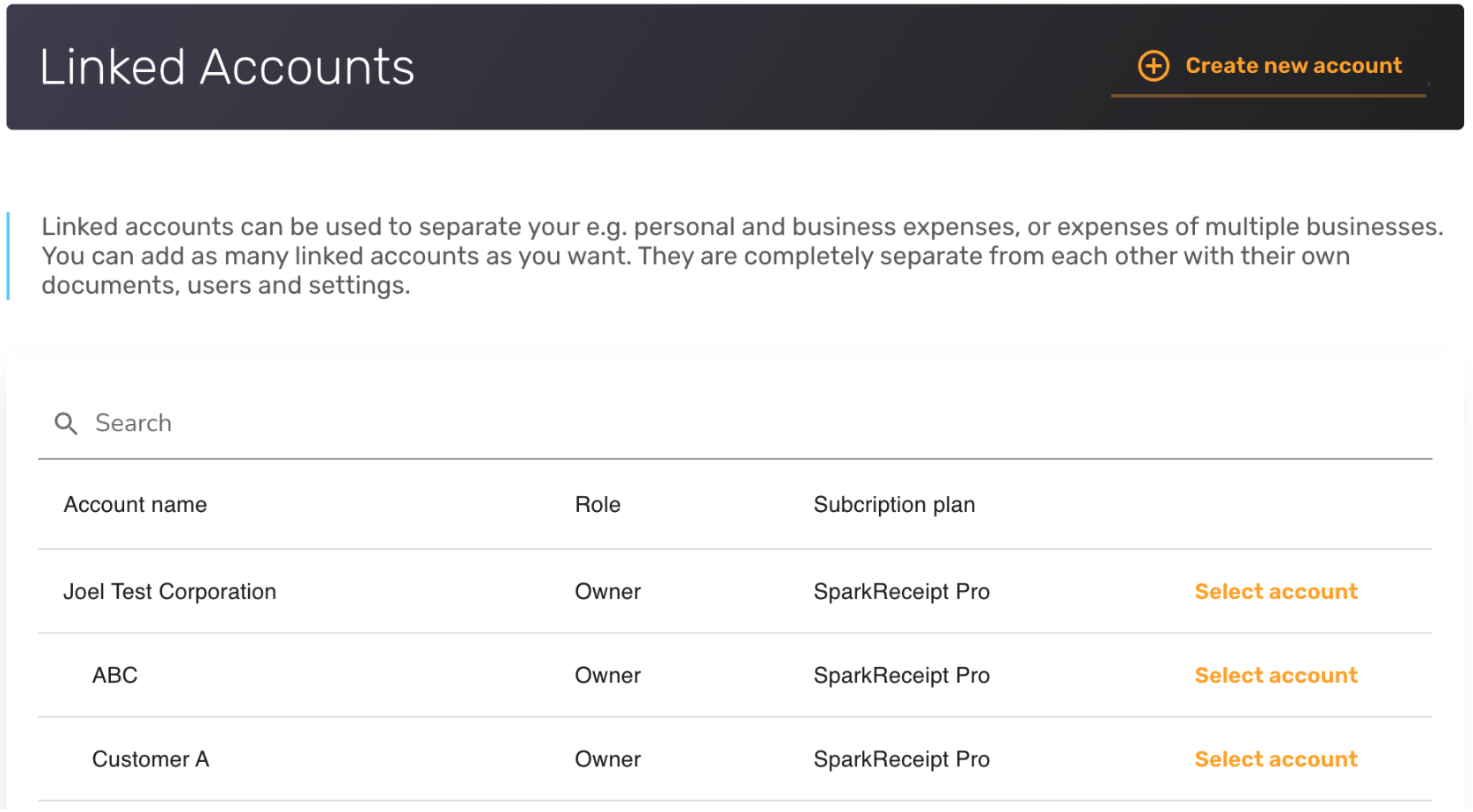
What linked accounts give you
- Separate books for each business or for personal spending.
- Different users and roles in each account, for example your accountant in one business only.
- One login: switch accounts with Switch Account in the account menu at the top of the web app, or by tapping the account name at the top of the mobile app.
- A shared subscription and seat pool. Linked accounts under your main account use its plan, and a person who belongs to several of your accounts counts as one seat.
Creating more than one account needs a paid subscription on your main account.
Create a linked account
- On the web, open Linked Accounts from your account settings or the user menu. In the mobile app, open Account settings and then Linked accounts.
- Click + Create new account (on mobile, Create new account).
- Give it a name and confirm.
On the web you can also start the new account with the Categories, Tags, payment methods and users of an existing account. The full steps are in How to set up linked accounts (sub-account).
Move a document to another account
If a document was added to the wrong account, open it and choose Move to linked account (web) or Move to account... (mobile app). On the web you can also move several at once from Documents with Actions → Move to account. See How to move documents between linked accounts.
FAQ
Can I manage more than one business with SparkReceipt? Yes. Create a linked account for each business.
Are linked accounts separate from each other? Yes. Each has its own documents, users and settings. SparkReceipt doesn't copy documents between them. You move a document from one to another when you need to.
Can I invite different users to different accounts? Yes. Users are added per account, and each can have a different role in each account.
Can I rename or delete a linked account? Yes. See How to set up linked accounts (sub-account) for renaming and How to delete a Linked Account for deleting.