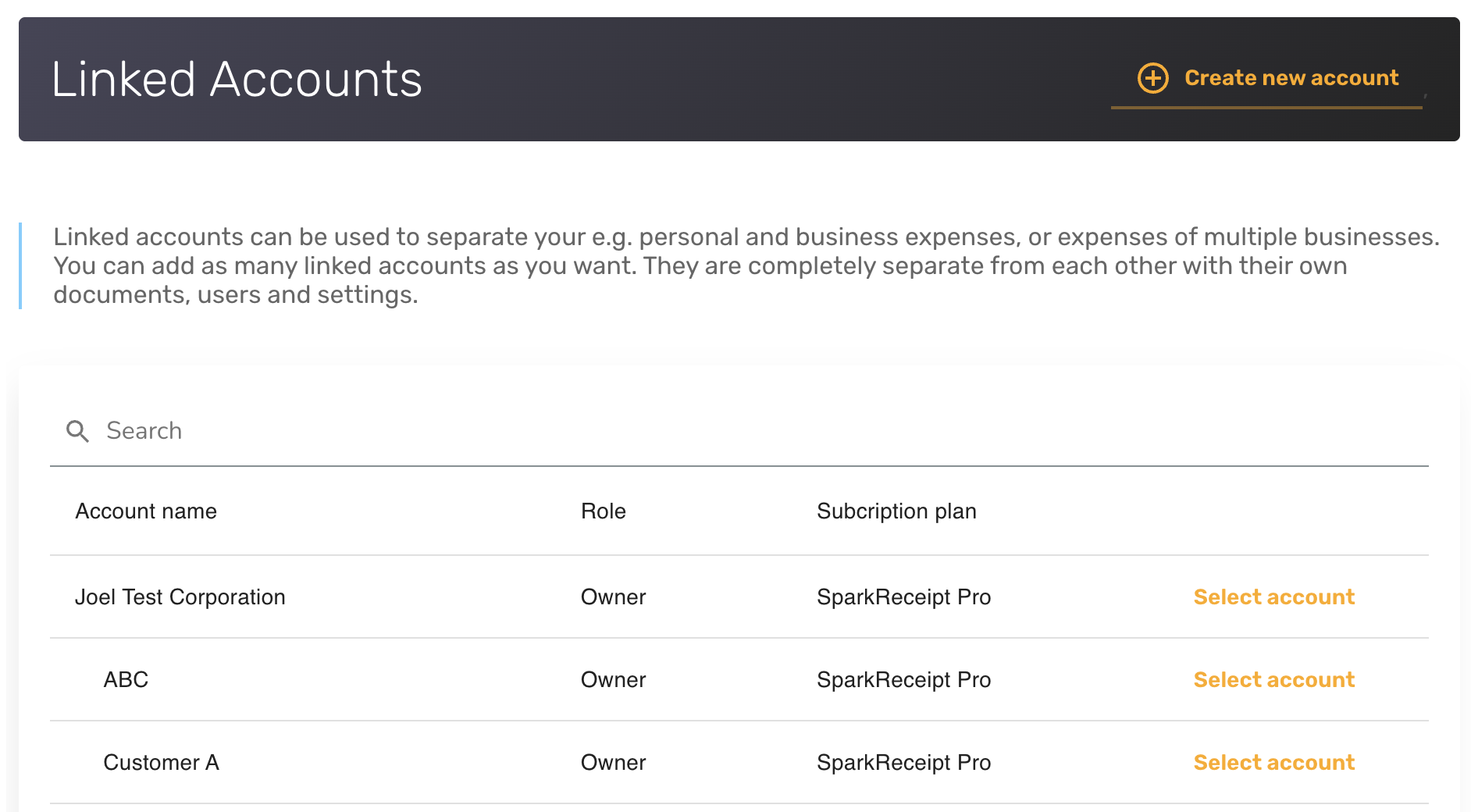
Yes. You can separate business and personal expenses in SparkReceipt, and you can also use it with multiple companies. The Linked Accounts feature makes this possible and is one of the most popular parts of SparkReceipt.
You can create multiple linked sub-accounts under your main account to keep each company's (or your personal) expenses fully separate. Team members can be invited independently into each linked account, so each business only sees its own documents and users.
For step-by-step instructions on creating a linked account, see How to set up linked accounts (sub-account).
Tip: If you accidentally upload a document into the wrong linked account, you can move it. Open the document and use the Move to account action to transfer it to the correct linked account. A full walkthrough is available in How to move documents between linked accounts.
The screenshot below shows the Linked Accounts settings and how quickly you can switch between accounts.